Easy Drawing and Painting App
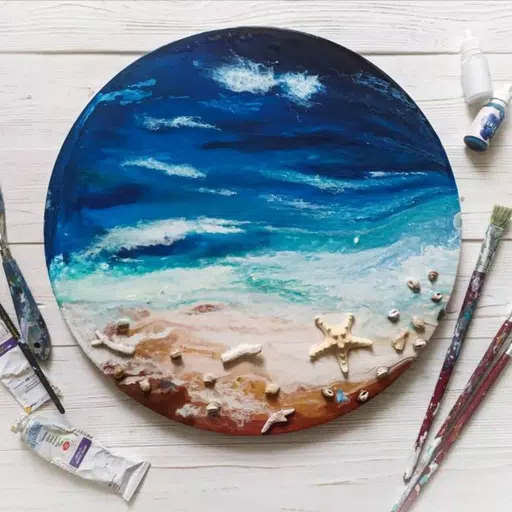
Pofi Brush is a mobile art tool designed for creators and artists to enjoy seamless painting and unleash their creativity.
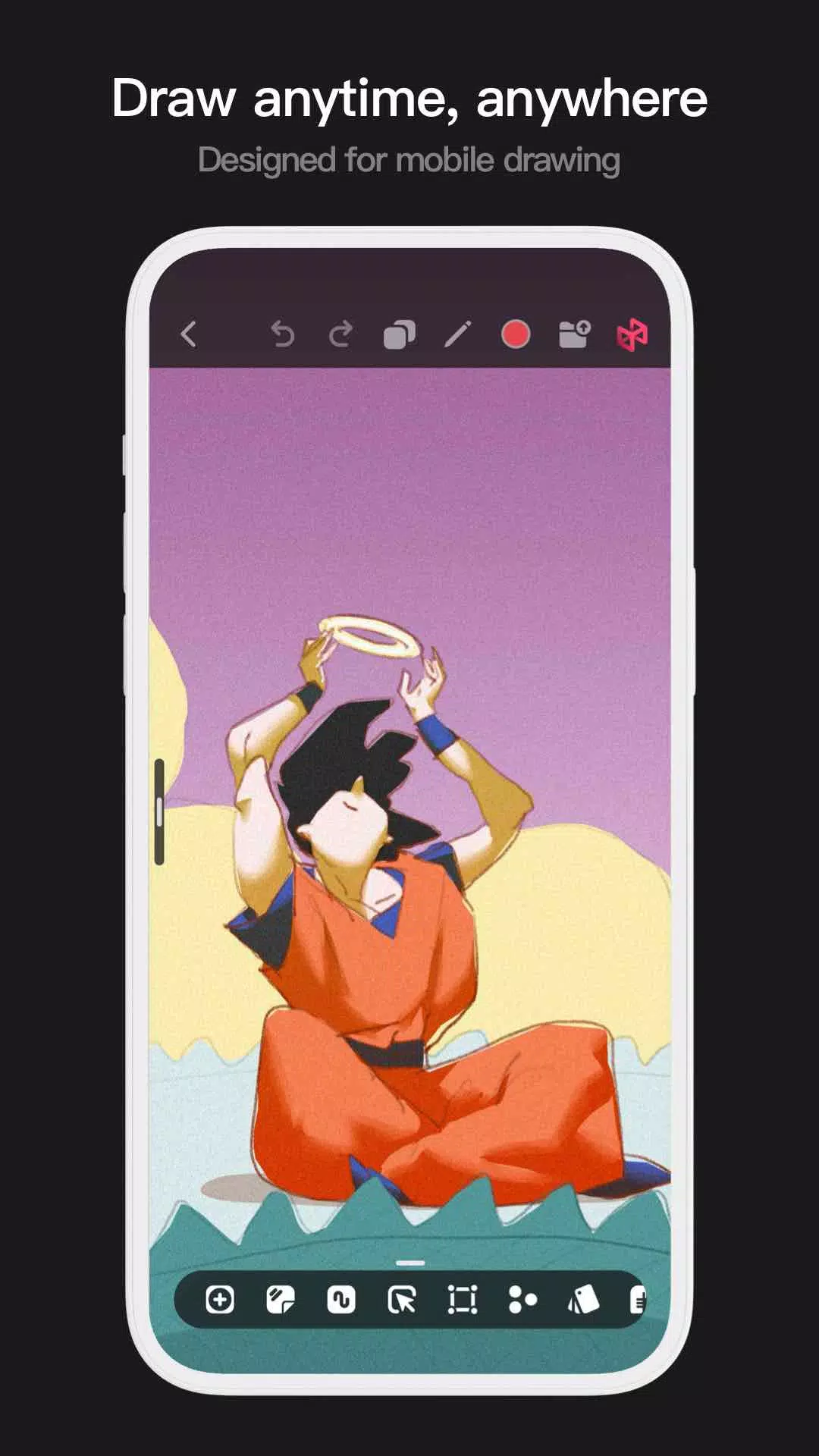
Pofi Brush provides dozens of exquisite brushes, a full suite of layer color tools, an intuitive interface, and a high-performance 2D Artistic Engine for a complete digital art studio experience—all entirely free. Whether you're a beginner or a pro, this app helps you sketch, illustrate, and design comics effortlessly on your phone or tablet, letting you express ideas anytime, anywhere.
Powerful 2D Artistic Engine
Pofi's proprietary 2D Artistic Engine is built for 64-bit multicore processors, delivering cross-platform compatibility, HD canvas support, and optimized performance for flawless painting.
- Create on ultra-clear 4K × 4K canvases.
- Mobile-optimized, user-friendly interface.
- Engineered for smooth performance on 64-bit processors.
- Enjoy realistic, low-latency strokes with stylus support.
- Auto-save and manual save options.
- Full functionality across phones and tablets.
Professional Brush Editor
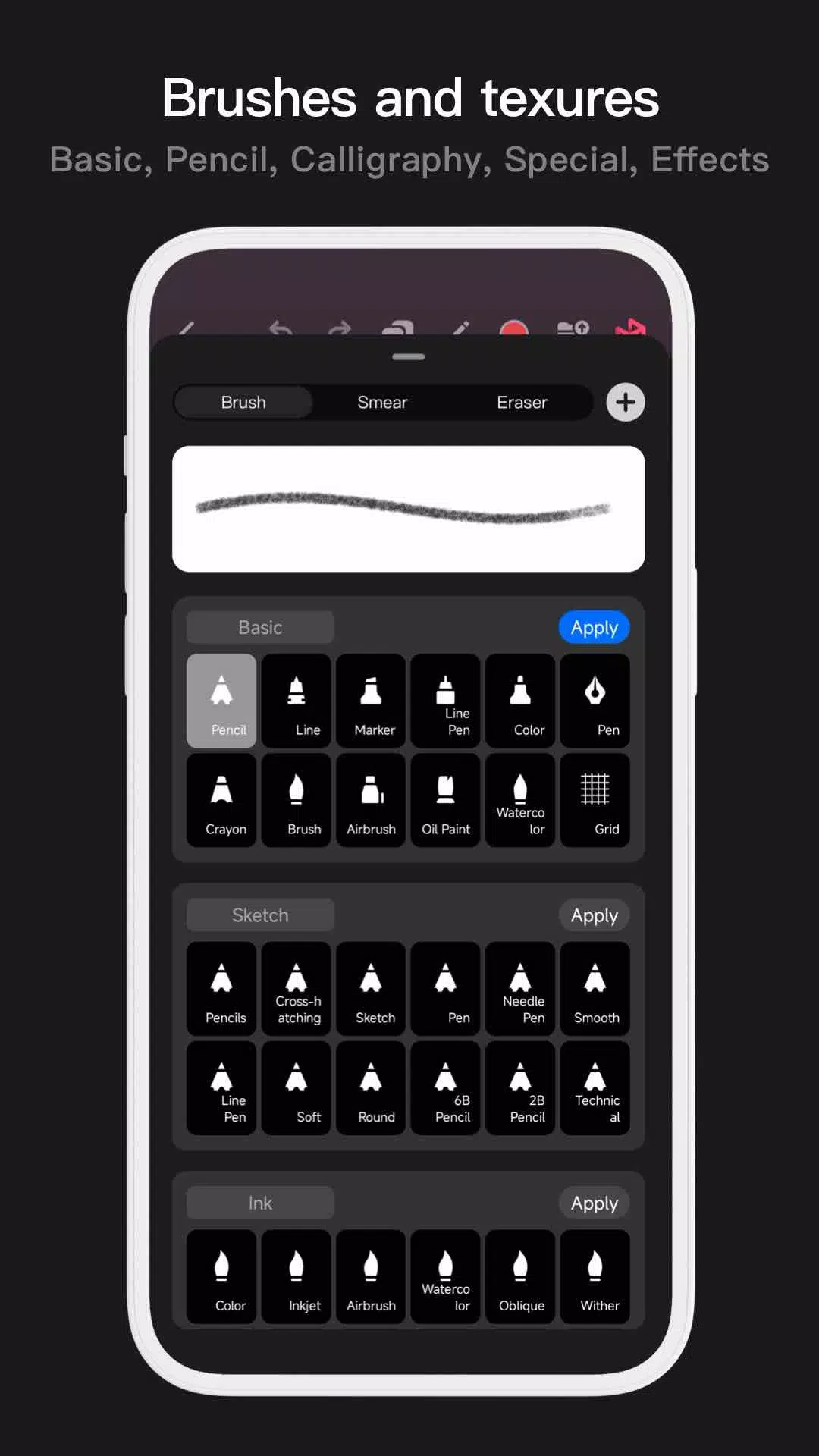
Pofi Brush includes dozens of preset brushes with 40+ adjustable settings each, letting you fine-tune tools or create custom brushes for unique effects.
- Diverse brushes for sketching, inking, textures, and special effects.
- Three brush modes: Draw, Erase, and Smudge.
- Customize with extensive settings, nib shapes, and textures.
- Organize brushes into groups for easy access.
- Anti-flutter settings for fluid strokes.
- Finger-painting simulates pressure sensitivity.
- Stylus support enhances realism with tilt and pressure response.
Advanced Multi-layer System
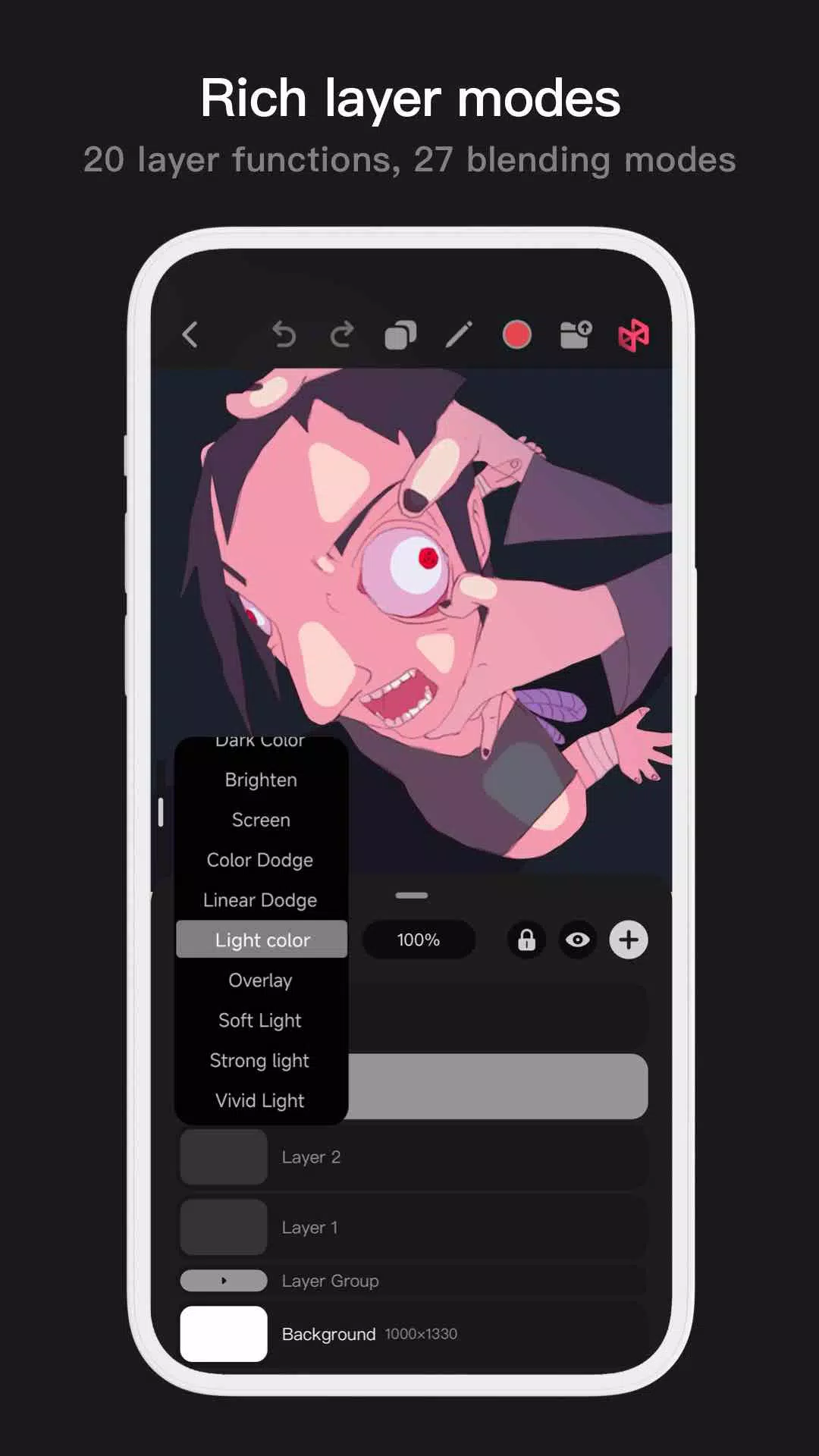
Pofi Brush's layer system includes grouping, effects, and adjustments for complete creative control.
- Preview layers instantly.
- Drag, merge, or delete layers effortlessly.
- 20+ layer functions: sorting, locking, opacity, and multi-select.
- 27 blending modes: Multiply, Overlay, Screen, and more.
Full-featured Color Tools
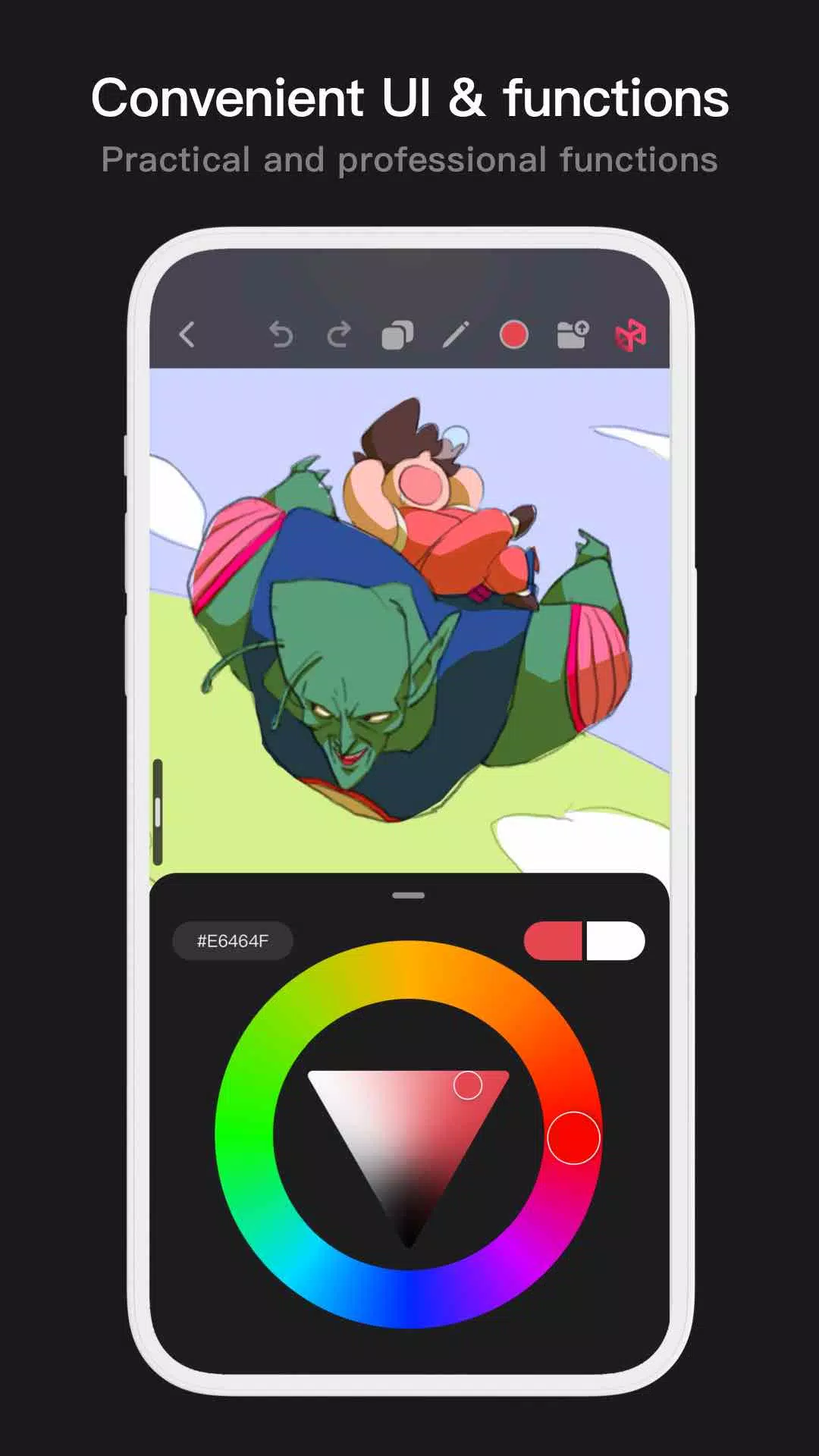
Comprehensive color tools help you find and manage hues with ease.
- Four panel types: wheel, square palette, HSB sliders, and swatch groups.
- Two color pickers: hex code input and eyedropper.
- Six swatch functions: grouping, naming, sorting, merging, and deletion.
More Highlights
- Mobile toggle between half-screen and full-screen layouts.
- Tablet-optimized resizable interface.
- Rotate and zoom canvases freely.
- Auto-backup and manual saves.
- Export artworks as PNG or JPG.
Questions or feedback? Contact us at [email protected].
Privacy : https://brush.pofiapp.com/agreement/privacy
Tags : Art & Design