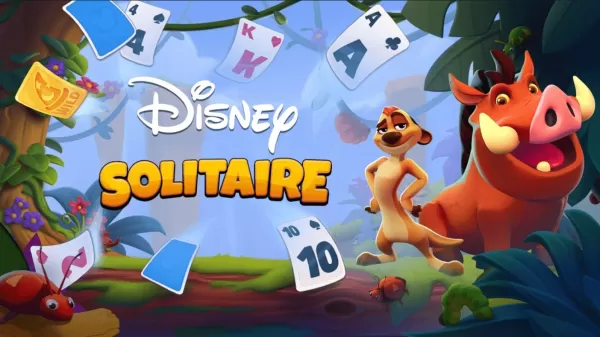
Disney Solitaire offers a delightful twist on the classic card game, featuring beloved characters, vibrant animations, and an enchanting narrative. While the game is deeply inspired by the vast Disney universe, its core gameplay remains true to traditional solitaire, creating a familiar yet fresh experience for players. This guide aims to assist newcomers and returning fans alike in mastering the game, understanding its layout, and employing winning strategies for consistent results.
Remaining flexible during play is also crucial. Although it might seem appealing to immediately place the first available King into an empty tableau column, it is often wiser to wait for a King that unlocks more advantageous strategic options. Keeping your choices open helps avoid inadvertently hindering future moves. Furthermore, recognizing patterns and planning several steps ahead—similar to chess—can determine whether you successfully build the foundation piles or find your progress stalled.
Bringing It All Together
Disney Solitaire is not just a card game—it’s a relaxing and enjoyable journey into the worlds of cherished characters and stories. Its intuitive nature appeals to players of all ages, while its deeper strategic layers provide a rewarding challenge for those aiming to master it. Whether you’re unwinding in the evening or taking a brief daytime break, Disney Solitaire delivers a satisfying mix of mental stimulation and visual charm that invites repeated play.
By learning the game’s structure and applying careful tactics, you can boost your chances of winning while savoring the delightful experience each round provides. With practice, patience, and a touch of Disney magic, even the most difficult layouts can be overcome. You can also play Disney Solitaire on your PC or Laptop using BlueStacks, enjoying the game on a larger screen with keyboard and mouse controls.