Kiddle App is a visual search engine created for children, providing a safe environment for web, image, and video searches. It lets kids explore age-relevant content, with all results reviewed by editors to ensure safety. Thanks to its kid-friendly design and educational approach, Kiddle makes internet discovery secure and engaging for young minds.
Discover Kiddle App:The Ultimate Safe Search Engine for Children
In today’s digital era, keeping children’s internet use safe and age-suitable is a major concern for parents and educators. Kiddle, a visual search engine built just for kids, offers a solution that merges security with learning. Powered by Google and carefully managed by editors, Kiddle gives children a protected space to confidently browse the web, pictures, and videos. This guide explores Kiddle app’s core benefits and functions, showing how it enriches your child’s time online while safeguarding their experience.
What is Kiddle?
Kiddle App is a kid-oriented search engine that presents a friendly alternative to conventional search tools. It uses Google’s search technology to return results that are relevant and safe for young users. Unlike general search engines, Kiddle emphasizes bright visuals and simplicity, letting children navigate and locate information easily.
Key Features of the Kiddle App
Visual Search Engine
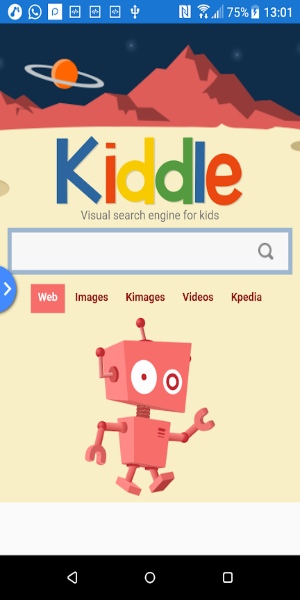
Kiddle’s interface is colorful and intuitive, with graphics that grab children’s interest. The visual engine shows results in a format simple enough for kids to grasp, helping early learners who find text-heavy results challenging. This visual strategy aids in recognizing useful content and improves the overall search process.
Safe Search Results
Kiddle’s emphasis on safety stands out—all search outcomes are reviewed by editors to confirm the content is suitable for kids. This careful screening lets parents trust the information their children find is secure and educational. The app blocks inappropriate material, delivering a worry-free exploration for kids and caregivers.
Child-Friendly Interface
Kiddle’s interface is built around children’s needs. It’s clean and simple, featuring large icons and readable text. This child-first layout helps kids navigate with confidence, building research skills while keeping them engaged with fitting content.
Web, Image, and Video Search
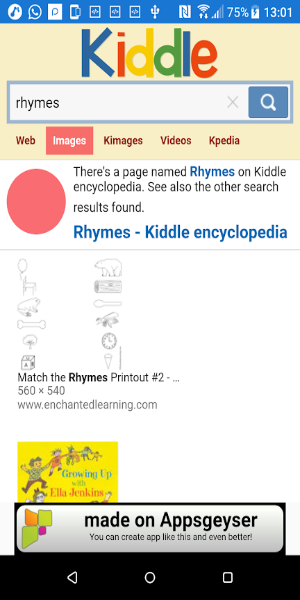
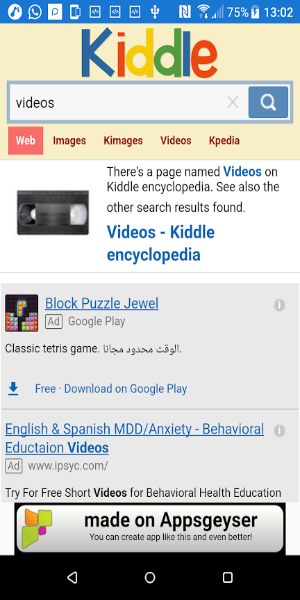
Kiddle provides a full search experience across sites, images, and videos. Kids can access helpful facts, view educational pictures, and stream child-safe videos. All results are customized to be appealing and secure for younger users.
Educational Content
The app highlights learning, giving children access to resources that aid their development. From educational articles to informative videos, Kiddle helps kids discover new subjects and grow their knowledge playfully and interactively. This educational emphasis matches the app’s goal of supporting children’s growth while keeping their digital experience uplifting.
Benefits of Using Kiddle
Enhanced Online Safety
Kiddle adds a vital layer of protection for kids in the online space. Through content filtering and editor-approved results, it reduces the likelihood of encountering unsuitable material. Parents can rest assured that their children view only safe, age-appropriate information.
User-Friendly Experience
The app is built so even young kids can operate it effortlessly. The visual layout, large icons, and uncomplicated options accommodate varying skill levels. This usability motivates kids to explore and learn on their own while staying within appropriate boundaries.
Support for Learning and Exploration
Kiddle boosts children’s education by supplying a vast range of interesting and instructional content. It stimulates curiosity and discovery, letting children dive into diverse subjects enjoyably and informatively. By weaving visuals with learning tools, Kiddle nurtures a passion for learning in a protected setting.
Peace of Mind for Parents
For parents, Kiddle provides reassurance by overseeing their children’s online interactions. The app’s focus on secure, relevant search outcomes means parents can trust what their kids find. This confidence allows parents to support their children’s digital exploration without anxiety about hidden dangers.
How to Get Started with Kiddle
Starting with Kiddle is fast and simple. Follow these steps so your child can dive into the app’s functions:
Download and Install
Kiddle can be downloaded on multiple devices. For a dependable source, visit 40407.com, search for "Kiddle," and get the app. Installation is quick, so your child can begin searching in minutes.
Set Up User Preferences
After installation, personalize user preferences to match your child’s requirements. Adjust the settings to confirm content is age-suitable and meets your household’s online safety rules.
Introduce the App to Your Child
Demonstrate how Kiddle works, focusing on its tools and how to search. Motivate them to investigate the app as a means for learning and fun. Offer tips on finding info and moving between sections.
Monitor Usage
Even though Kiddle ensures a protected browsing space, it’s wise to keep an eye on your child’s activity. Review their searches occasionally and enjoy the learning materials together. This promotes cautious internet behavior and aids their educational path.
Free Download Kiddle App APK
Kiddle App is a remarkable tool for children’s internet discovery, uniting Google’s search capabilities with a focus on safety and learning. Through its visual search engine, editor-checked results, and kid-geared interface, Kiddle App offers a secure platform for young ones to browse the web, images, and videos. By emphasizing protection and instructional material, the app gives families a helpful aid for enriching kids’ educational experiences and guarding their digital well-being. Download Kiddle App now and enable your child to explore, learn, and thrive in a secure and captivating online world.
Tags : Lifestyle