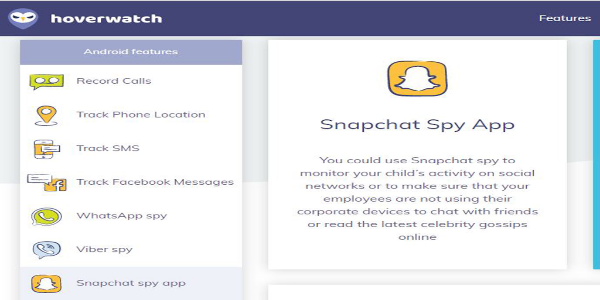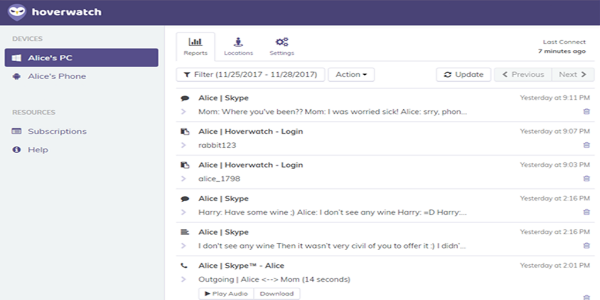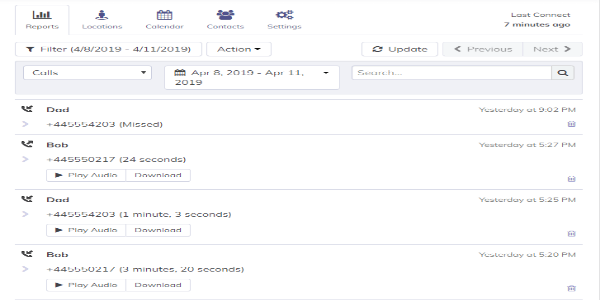
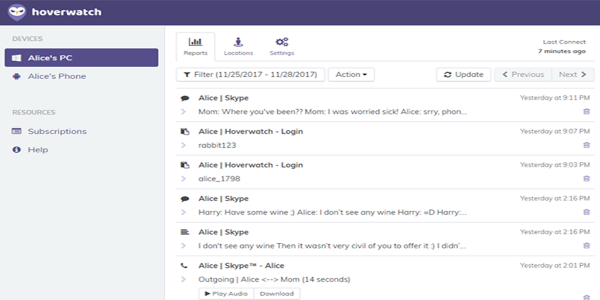
Hoverwatch is a sophisticated Android monitoring application that provides extensive tracking capabilities. It allows users to oversee calls, text messages, multimedia messages, GPS coordinates, social media interactions, and keystroke inputs. Accessible via a web-based dashboard, the application functions in stealth mode, making it suitable for parental supervision and workplace oversight while maintaining discretion.
Key Features of the Hoverwatch APK
Call Monitoring
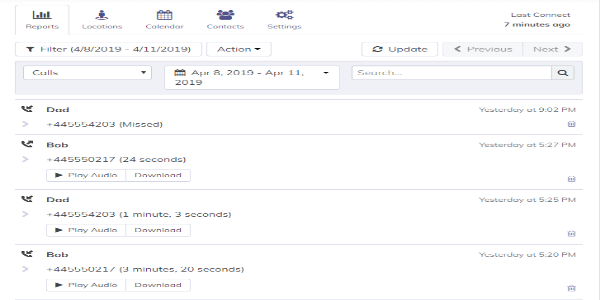
Hoverwatch captures all incoming and outgoing calls, recording details such as call duration, time stamps, and contact information.
SMS and MMS Recording
The application logs both text and multimedia messages, granting access to message content, sender and recipient details, and time stamps for complete message history.
GPS Location Tracking
Hoverwatch provides real-time and historical GPS tracking, enabling users to view the device's current position and access detailed location history on a map.
Social Media Surveillance
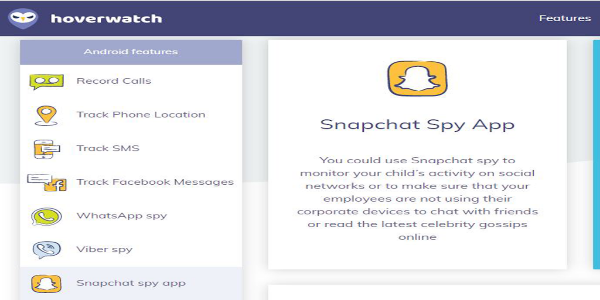
The app facilitates monitoring of major social media platforms like Facebook, WhatsApp, and Snapchat, allowing users to view messages, photos, videos, and other shared content.
Keylogger Functionality
The application records every keystroke entered on the device, including usernames, passwords, and text typed into various applications and websites.
Browsing History
The app tracks and logs the device's internet browsing history, allowing users to view visited websites along with their corresponding time stamps.
Screenshot Capture
Hoverwatch can take screenshots of the device's screen, providing visual documentation of the user's activities.
Stealth Operation
Operating discreetly, the app runs in a hidden mode, making it difficult for users to detect its presence on the device.
Benefits of Using Hoverwatch
Extensive Monitoring Capabilities
This application offers a wide array of features, including call tracking, SMS logging, GPS location tracking, social media monitoring, and keylogging, providing a comprehensive overview of device activities.
Remote Data Access
Users can conveniently access recorded data and monitor activities remotely through an online portal, enabling easy management from any location with internet connectivity.
Hidden Operation
The app functions discreetly in hidden mode, making it difficult for the target user to detect, ensuring confidential monitoring.
Intuitive Interface
Hoverwatch features an easy-to-navigate interface, simplifying the process of accessing and reviewing monitored data.
Potential Drawbacks of Hoverwatch
Platform Restrictions
Currently, Hoverwatch is available only for Android devices, excluding iOS and other operating systems, which limits its use to a specific platform.
Legal and Ethical Issues
Using monitoring applications can raise legal and ethical concerns. Users must comply with local laws, obtain appropriate consent, and consider the implications of monitoring another person's device.
Final Thoughts
Hoverwatch is a powerful monitoring application designed for Android devices, offering a suite of advanced features such as call tracking, SMS logging, GPS location tracking, social media monitoring, and keylogging. Its user-friendly interface and remote access via an online portal make it easy to manage and review recorded data. Despite its robust capabilities, it is important to be aware of its limitations and the ethical considerations associated with monitoring applications. Hoverwatch is exclusively available for Android and may raise legal and privacy concerns. Always ensure compliance with local laws, respect privacy, and obtain necessary consent before using such tools. Download Hoverwatch today to take advantage of its comprehensive monitoring features, but use it responsibly.
Tags : Tools