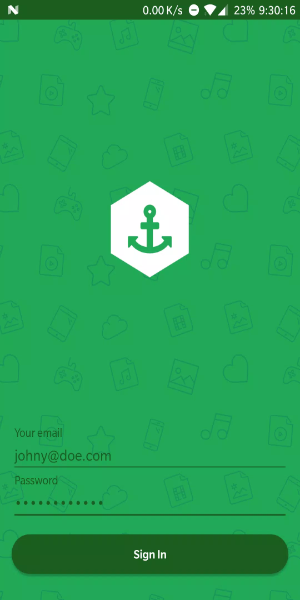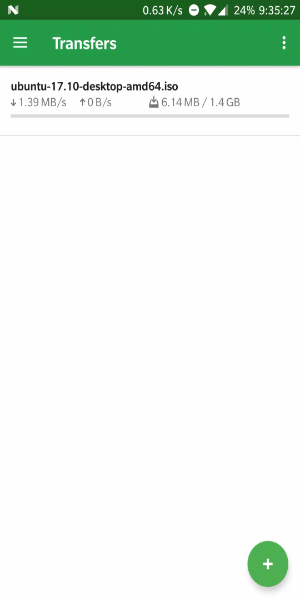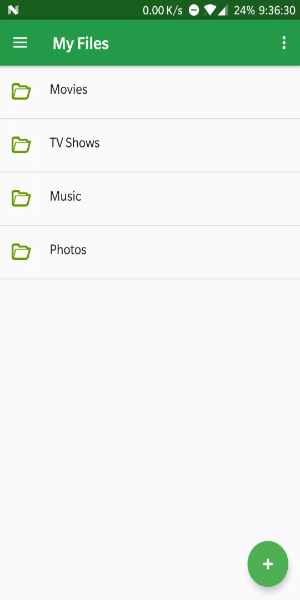
Bitport.io transforms torrent downloading by seamlessly integrating with cloud storage. It effortlessly handles torrent and magnet links, lets you monitor transfers, manage your cloud storage, and download files securely and efficiently.
What Makes Bitport.io Stand Out:
Seamless Cloud Integration
Bitport.io connects smoothly with top cloud storage services like Google Drive and Dropbox. This lets you store and organize downloaded files directly in your favorite cloud platform. By syncing torrents to the cloud, Bitport.io keeps your files accessible and backed up across all your devices, offering both convenience and enhanced data security.
Automated Torrent Fetching
Enjoy a hassle-free download process with Bitport.io's automated fetching. Just paste a torrent URL or magnet link; Bitport.io handles the rest without needing a separate torrent client. This streamlines downloading, saves you time, and avoids any complicated setup.
Remote Download Management
Stay in control from anywhere with Bitport.io's remote access. Using any smartphone, tablet, or computer with internet, you can check transfer status, adjust settings, and start new downloads remotely. This feature provides continuous flexibility and management, perfect for when you're on the move.
Enhanced Security and Privacy
Bitport.io prioritizes your security and privacy. All transfers are secured with SSL encryption, protecting your data during uploads and downloads. Strong privacy measures also keep your online activities and personal information confidential throughout the torrenting and storage process.
How to Get the Most Out of Bitport.io:
Optimize with Batch Downloads
Boost your efficiency by using Bitport.io's batch download feature. Queue up multiple torrents at the same time to save time and streamline your workflow. Whether you're downloading a series of files or large collections, batch downloading allows you to manage several torrents seamlessly and efficiently.
Ensure Instant Access with Cloud Sync
Effortlessly sync your downloaded files to your preferred cloud storage through Bitport.io. By connecting with Google Drive or Dropbox, you gain instant access to your files on any device. This makes sharing and collaboration easy while also serving as a reliable backup to protect your data from loss or device issues.
Personalize Your Download Settings
Tailor your download experience with Bitport.io's customizable settings. Adjust preferences like download location, bandwidth limits, and scheduling to suit your specific needs and internet connection. Fine-tuning these options helps optimize download speeds, manage storage wisely, and schedule downloads for times that are most convenient for you.
Explore Enhanced Functionality
Discover additional features and add-ons within Bitport.io to expand its capabilities. Look into advanced file management tools for better organization and quicker access to your content. You can also integrate Bitport.io with other cloud services or apps to enhance compatibility and make it even more useful in your daily digital tasks.
Get Bitport.io on Android Now:
Experience the power and convenience of Bitport.io for smooth torrent downloading and cloud integration. With robust features like automatic downloads, remote access, and secure cloud storage, Bitport.io provides a streamlined way to manage torrents and access your files from anywhere, at any time. Start using Bitport.io today to simplify your downloads and enjoy secure, efficient file management in the cloud.
Tags : Tools