Run any PSP game in HD on Android, iOS, or PC.
PPSSPP is a free PlayStation Portable emulator built for users who want to enjoy PSP titles on mobile devices or PCs with high-quality resolution and extensive configuration options.
Add your PSP games to PPSSPP or start playing immediately to experience enhanced performance through HD graphics using numerous configurable settings, such as:
+ Sharper textures
+ Color & brightness adjustment
+ Vsync toggle (on/off)
+ Filter controls
HD Visual Experience
Optimize your gaming experience when a PSP title runs poorly on the original hardware by switching to PPSSPP!
Boost performance further with these additional features in the PPSSPP emulator:
+ Save game data and restore progress at any time.
+ Support for external controllers and keyboards:
+ On-screen keyboard for mobile phones
+ External game controller or keyboard support on PC
+ Choose your preferred control scheme to match your play style.
+ Resume gameplay exactly where you left off
User-friendly Interface
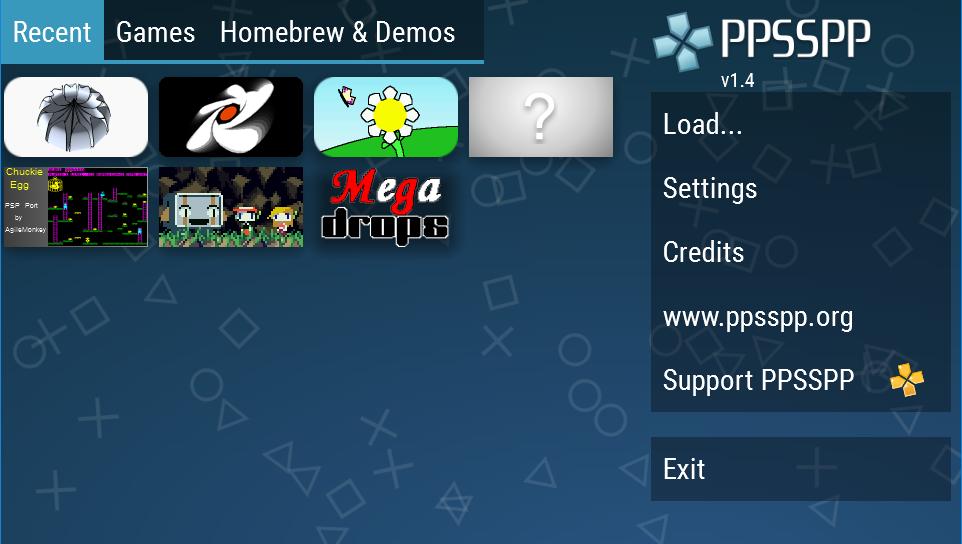
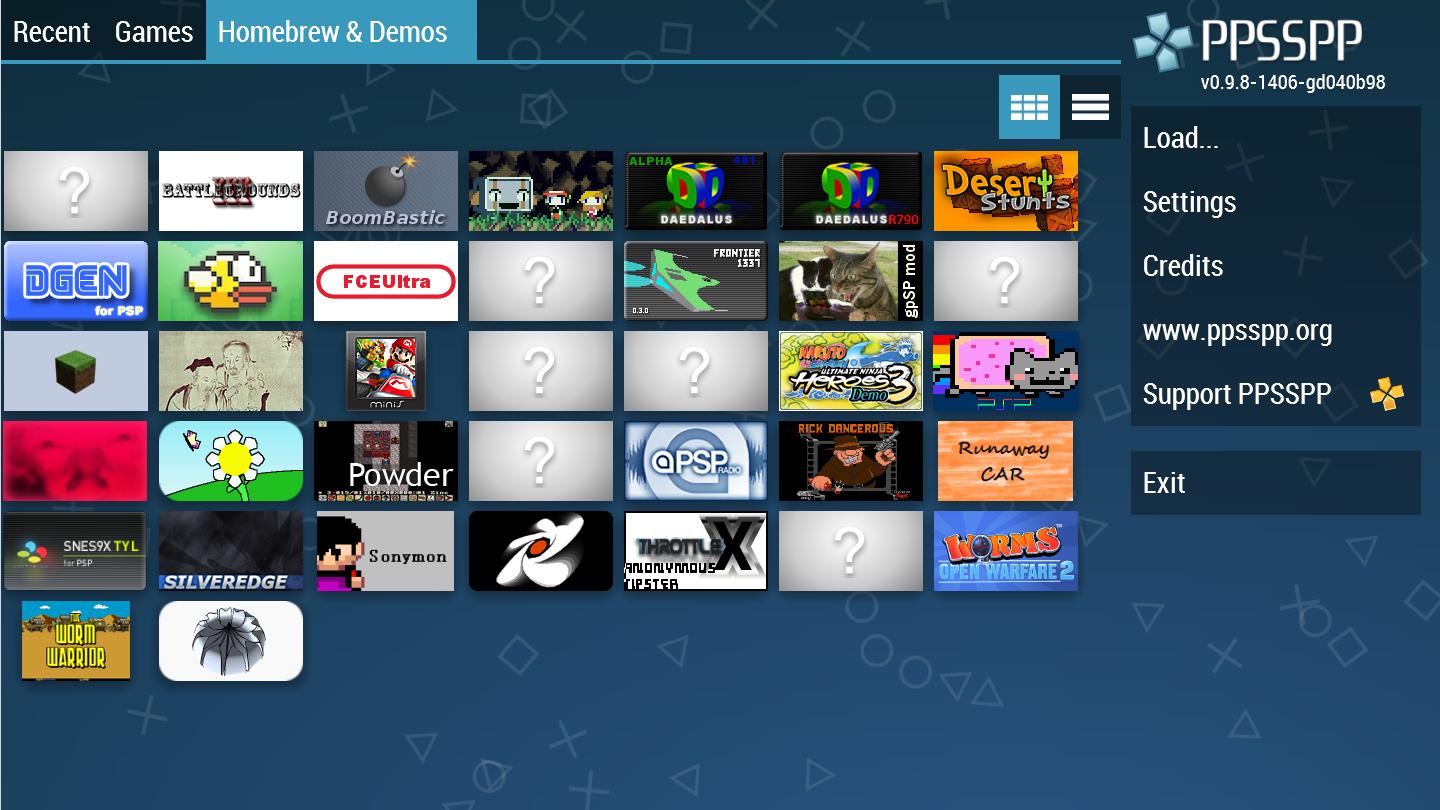
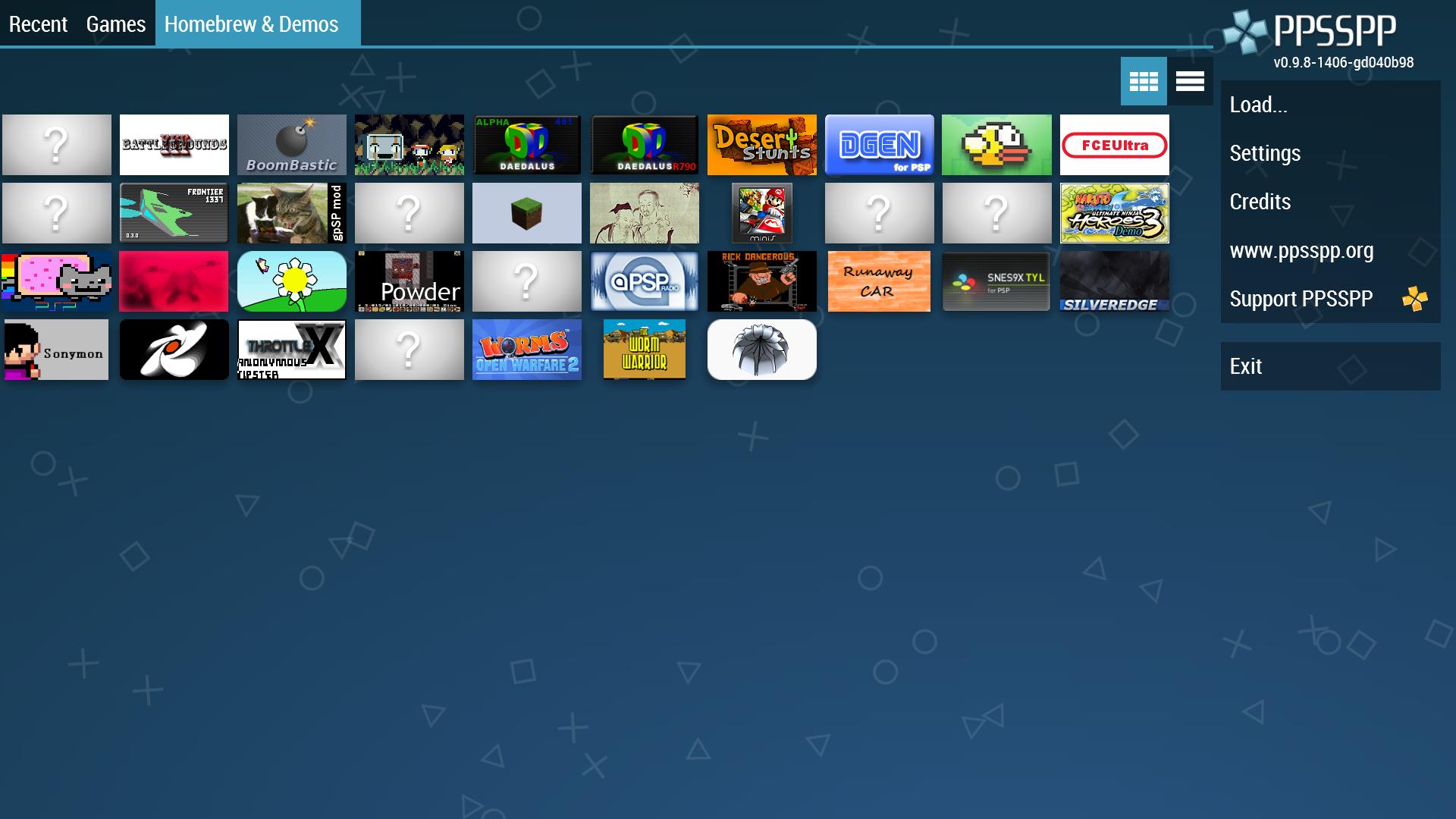
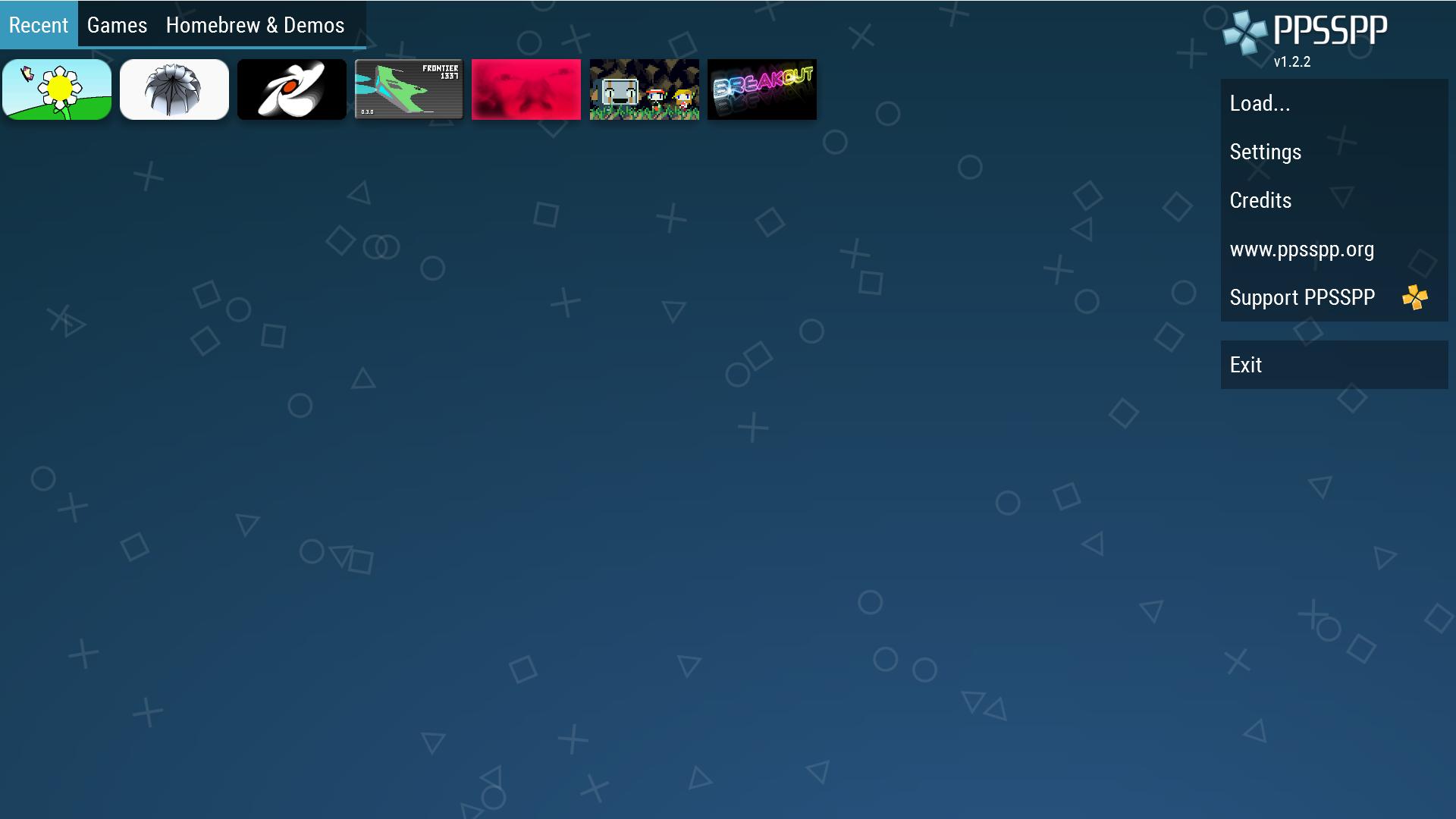
Quickly access your target games or files in seconds using three intuitive tabs:
Recent - A complete list of all PSP titles played recently.
Games - Your downloaded, installed, saved, and added PSP library on PPSSPP
Homebrew & Demos - Videos and demos showcasing your gameplay
Simple Menu Template
The right-hand side offers six straightforward options: Load, Settings, Credits, www.ppsspp.org, Support PPSSPP, and Exit, allowing players to easily select their desired action.
The clean main menu design of the PPSSPP app helps users make quick decisions and stay focused on the games they are playing.
Gamers can browse a vast library of PSP titles available on PPSSPP and start playing instantly.
Popular gaming titles include:
God of War – Ghost of Sparta
God of War – Ghost of Olympus
Grand Theft Auto: Vice City Stories
Tekken: Dark Resurrection
Valkyria Chronicles II
...
PPSSPP is compatible with multiple platforms, including:
Android
iOS
macOS
Windows
Linux
VR devices (Quest & Pico)
Explore the latest updates in PPSSPP:
Discord: https://discord.gg/5NJB6dD
Twitter: https://twitter.com/ppsspp\_emu
Visit our website at http link: https://www.ppsspp.org
Review the PPSSPP update log here: https://github.com/hrydgard/ppsspp
Getting started guide for PPSSPP: https://www.ppsspp.org/docs/category/getting-started/
FAQ About PPSSPP: https://www.ppsspp.org/docs/faq
What's New in the Latest Version 1.17.1-817-13506d3d02ee2f46de30183de4dfda4d0d7b1682
Last updated on Jun 28, 2024
Includes minor bug fixes and improvements. Install or update to the latest version to experience these enhancements!
Tags : Tools Action Tool Emulator